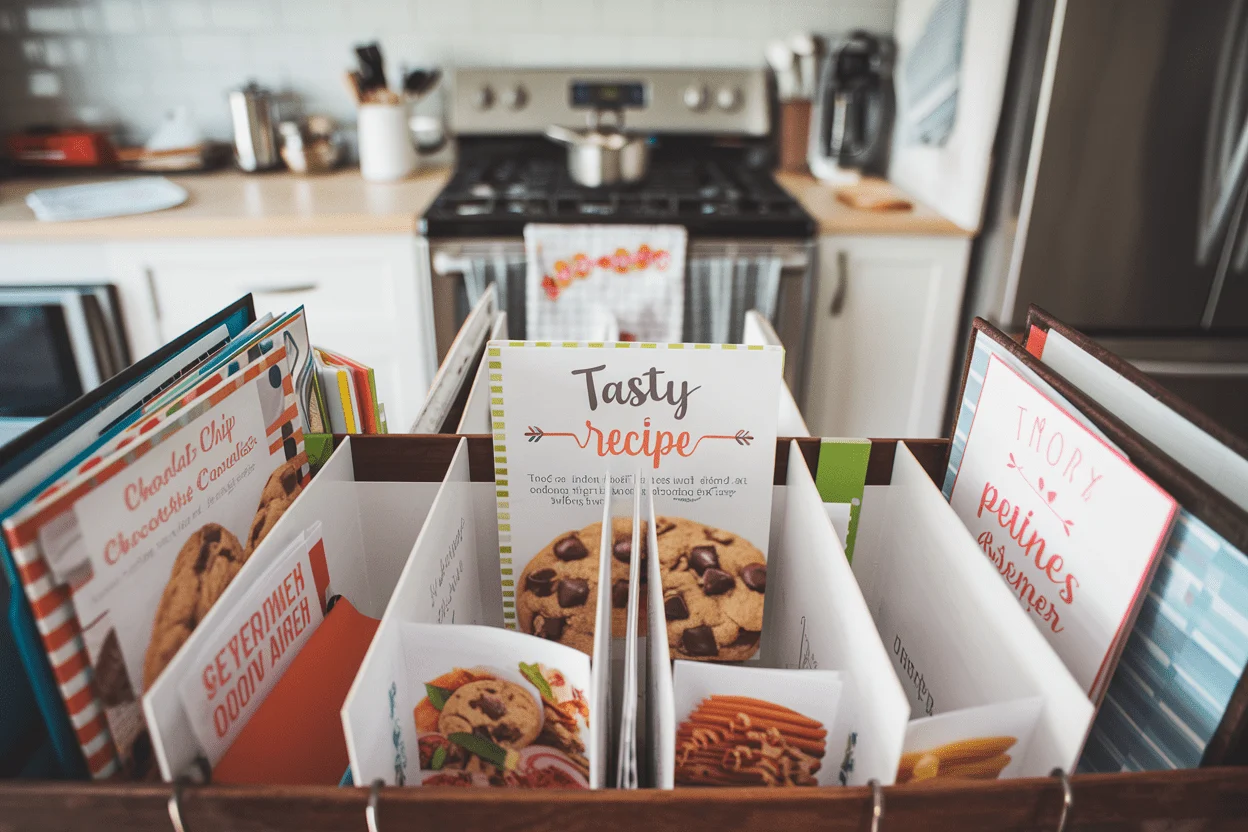
Recipe Binder Printables Free: The Zero-Cost System That Finally Tames Your Kitchen Chaos
👩🍳 The Home Chef's Essential Kitchen
Consistently cooking incredible, healthy meals at home is so much easier when you aren't fighting with cheap tools. These are the 5 absolute powerhouse kitchen essentials that professional chefs and serious home cooks rely on every single day to get perfect results.
🍳 Lodge 10.25" Cast Iron Skillet
The single greatest value in all of cookware. It retains heat infinitely better than cheap non-stick pans, allowing you to get a restaurant-quality crust on steaks or perfect crispy edges on cornbread. With proper care, this $20 pan will literally outlive you.
🔪 Victorinox Fibrox Pro 8" Chef's Knife
A dull knife makes cooking a frustrating chore. This specific blade is the undisputed champion of the culinary world—it holds a terrifyingly sharp edge, features a comfortable non-slip grip, and performs identical to German knives that cost quadruple the price.
🌡️ ThermoPro Instant Read Thermometer
Never serve dry chicken or undercooked pork again. An instant-read thermometer is the secret difference between amateur cooks who 'guess' when protein is done, and professionals who know exactly when to pull meat off the heat for maximum juiciness.
🍲 Lodge Enameled Cast Iron Dutch Oven
The ultimate workhorse for soups, stews, braised short ribs, and baking crusty artisanal bread. The enameled interior provides incredible heat distribution for slow-cooking while eliminating the intense seasoning maintenance required by bare cast iron.
🥄 Bpa-Free Silicone Utensil Set
Throw away those melting plastic spatulas and bacteria-harboring wooden spoons. This pure silicone set is heat-resistant up to 600°F, won't scratch your expensive pans, and features seamless designs that make cleaning out thick sauces and batters effortless.
You know that stack of recipe cards, screenshots, and mystery sauce-stained pages? It’s not “rustic”—it’s chaos with a spatula. If you’ve ever spent 20 minutes hunting for Nana’s banana bread only to settle for sad toast, this is your sign.
A free, printable recipe binder system is the most underrated upgrade your kitchen will ever see. No apps, no subscriptions, just clean pages, clear categories, and a workflow that saves your sanity. If your meal planning needs a glow-up, grab a binder and let’s build the system you wish you had years ago.
What Makes This Special
This isn’t just cute stationery.
It’s a functional, customizable framework designed to organize recipes, plan meals, track pantry inventory, and simplify grocery runs—all at zero cost. You print what you need, skip what you don’t, and reorganize anytime.
Unlike apps that lock features behind logins and ads, free printables give you full control. Want a “Sunday Dinner” section or a “Dairy-Free Desserts” tab?
Done. Prefer bold fonts and big spaces for scribbling? Also done.
And yes, it’s designed for real kitchens.
There are spills-proof options (hello page protectors), easy-to-read layouts, and smart sections like “Recipe Ratings” so you never keep a dud. It’s simple. It’s clean.
It just works.
What You’ll Need (Ingredients)
- A 3-ring binder (1.5–2 inches) — Big enough to grow with your recipe stash.
- Free recipe binder printables — Categories, index, meal plans, shopping lists, recipe cards, pantry inventory, freezer log, conversion charts.
- Printer + paper — Standard letter-sized works great; consider heavier paper for durability.
- Dividers or tabs — Pre-made or DIY with sticky tabs.
- Page protectors — Optional but clutch for spill-prone kitchens.
- Hole punch — For printed recipes and clippings.
- Pen/highlighters — For notes, ratings, and quick edits.
- Optional: Sticker labels — If you love a clean, polished look.
Step-by-Step Instructions
- Download your printables. Choose templates with sections like Breakfast, Lunch, Dinner, Snacks, Sides, Desserts, Holidays, and a Master Index. Include meal planning pages, grocery lists, and conversion charts.
- Print strategically.
Start with 2–3 sheets per category, 12 months of meal planners, and a handful of recipe cards. You can always print more—no need to burn through ink on day one.
- Set your sections. Insert dividers and label them.
Add a front “Quick Hits” section for family favorites and weeknight go-tos.
- Build the Master Index. Use a printable index to track where each recipe lives (category + page number). It’s your binder’s GPS.
- Transfer your current recipes.
Print or handwrite your favorites onto the recipe template pages. Tape clippings onto blank pages or tuck them into protectors.
- Add a Ratings & Notes box. Use the printable recipe cards with a 1–5 scale, “Who loved it,” and “Next time add…” Trust me, future-you will be grateful.
- Slot in the meal planners.
Put weekly and monthly meal plans right up front. Keep grocery lists behind them for easy tear-out or reference.
- Organize the pantry and freezer. Add inventory sheets with “Item,” “Qty,” “Use By,” and “Location.” Cross off as you go.
No more buying your fourth bottle of soy sauce, FYI.
- Insert conversion charts. Put them on the inside cover for instant access. Cups to ounces, teaspoons to tablespoons, halving recipes—done.
- Maintain the system.
After each grocery run or cooking session, update the inventory and index. Set a monthly 10-minute tune-up. Easy.
Storage Tips
- Keep it upright on a shelf away from heat and steam.
Countertop next to the stove? Hard pass.
- Use page protectors for recipes you make often or any page you cry over when it gets splattered.
- Backup digitally by snapping a photo of key recipes or storing PDFs in cloud folders labeled by category.
- Separate seasonal sections (like Holidays or Summer BBQ) so you can rotate them to the front when relevant.
Nutritional Perks
- Better meal planning = better choices. Planning reduces impulse takeout and helps you build balanced weeks.
- Track dietary needs by tagging recipes as GF, DF, Vegan, High-Protein, Low-Sodium, etc.
- Portion control is easier when you write serving sizes and note adjustments (“Feeds 6, halve for 3”).
- Ingredient swap notes make healthy tweaks painless—Greek yogurt for sour cream, honey for sugar, etc.
Pitfalls to Watch Out For
- Overprinting everything.
You don’t need 40 pages on day one. Start lean, iterate.
- Skipping the index. Without a Master Index, your binder becomes a cute black hole.
- Ignoring maintenance.
If you don’t update inventory or ratings, it slowly breaks. Set calendar reminders.
- Too many categories. Keep it simple—5–8 core sections. “Brunch/Light Lunch/High-Tea Bakes” is doing the most.
- Handwriting overload.
If your penmanship is “doctor chic,” print typed recipes for legibility.
Different Ways to Make This
- Minimalist setup: One binder, five sections, no protectors. Perfect for apartment kitchens or beginners.
- Family command center: Add a “Planner” section with chore charts, budget trackers, and a shared calendar.
- Diet-specific binder: Create separate sections for macros, protein sources, and go-to meals that hit targets.
- Seasonal rotation: Separate binders for Everyday, Holidays, and Entertaining. Swap seasonally to keep it fresh.
- Hybrid digital-physical: Keep PDFs in cloud folders mirrored to your binder tabs.
Scan heirloom recipes for safekeeping.
- Recipe testing lab: Add “In Testing,” “Approved,” and “Retired” sections. Rate, annotate, and promote winners.
FAQ
Where can I find high-quality recipe binder printables free?
Look for printable bundles that include section dividers, recipe cards, meal planners, grocery lists, and conversion charts. Many bloggers and DIY sites offer them at no cost—just be sure they’re formatted for standard letter paper and include editable PDFs if you prefer typing.
What categories should I start with?
Begin with Breakfast, Lunch, Dinner, Sides, Snacks, Desserts, and Favorites.
Add Holidays and Meal Prep if you batch-cook. Keep it lean; you can always add more tabs later.
How do I protect pages from spills?
Use page protectors for frequently used recipes or print on heavier paper. You can also keep a dry-erase sleeve for the current week’s recipes—wipe and reuse.
Low effort, high payoff.
Should I handwrite or type my recipes?
If your handwriting is neat and you like that personal vibe, go for it. Otherwise, type into editable templates for clarity and consistency. IMO, typed recipes make sharing and backups easier.
How do I handle recipes from websites?
Use the site’s print function set to “simplify page,” then punch and file.
If there’s no print button, copy the text into your recipe template, credit the source, and print cleanly.
Can I include nutrition information?
Yes—use a template with a nutrition box. You can calculate via online nutrition calculators, then jot down calories, macros, or allergen notes. Keep it practical, not obsessive.
What’s the best way to maintain the binder?
Schedule a 10-minute weekly reset: add any new recipes, update the pantry list, and mark what worked or flopped.
A quick monthly purge keeps it sharp—retire recipes nobody loves.
How do I get the family involved?
Add a “Request List” page, let kids star recipes they want, and have everyone rate meals. Pro tip: give names to weekly themes—Taco Tuesday, Stir-Fry Friday. Engagement goes up, complaints go down.
Is one binder enough?
Usually, yes.
If it grows beyond 2 inches or gets unwieldy, split into Everyday and Seasonal/Entertaining. Keep the most-used binder in the kitchen and the archive on a shelf.
What if I’m short on printer ink?
Print in black-and-white and skip heavy graphics. Use minimalist templates and only print what you’ll use this month.
You can always add more pages later, FYI.
My Take
A free recipe binder isn’t just a cute Pinterest project—it’s a system that compounds time saved, money saved, and stress reduced. When you can find your best recipes in seconds, plan a week’s meals without guesswork, and shop with a clean list, cooking stops being chaos and starts being control. It’s one of those tiny levers that moves a big rock.
Start simple, maintain consistently, and let the binder evolve with your life.
You’ll cook more, waste less, and finally retire that pile of random clippings. And if anyone asks? Yes, your kitchen runs on systems now.
Fancy, right.